

Change your username
Pick a new username. Your money, activity, and account stay the same.
People send you money using your username, no account numbers needed. Changing it takes a minute, and your balance, activity, and everything else about your account stay exactly as they are.
You can change your username once every 6 months
Pick one you're happy with, the next change is half a year away.
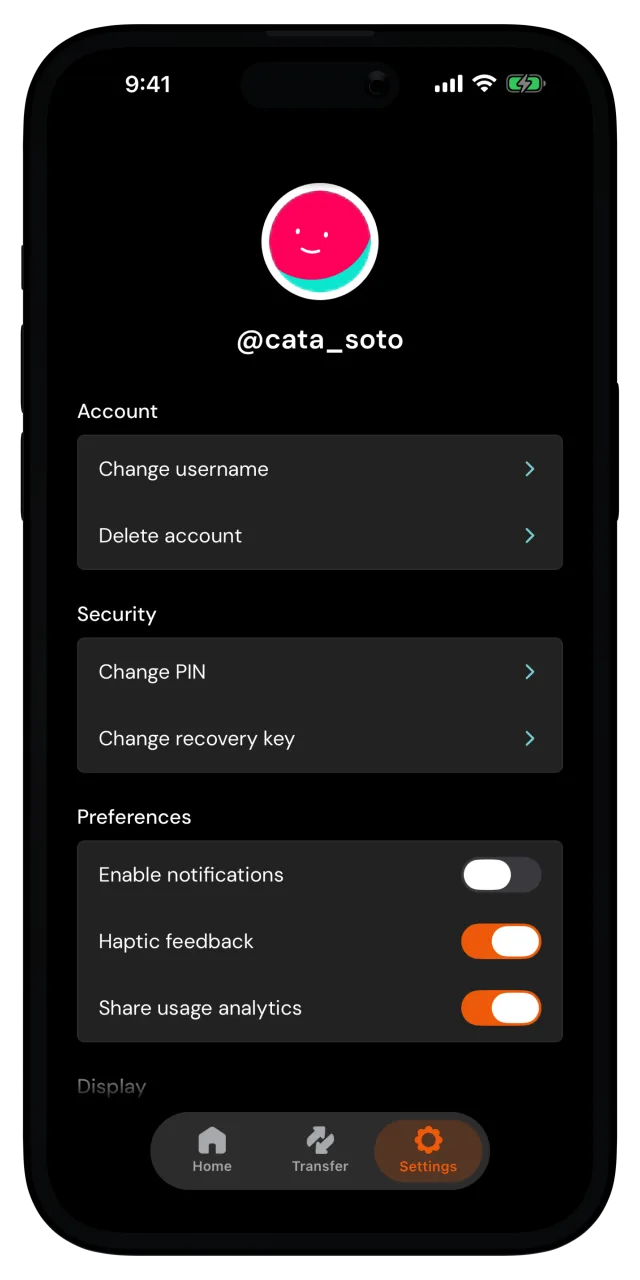
Open your username settings
Go to the Settings tab. Under Account, tap Change username and enter your PIN to confirm it's you.
Pick your new username
Type in the new username. The rules are right there on the screen. If the name is taken, you'll see Username is unavailable, so try another one.
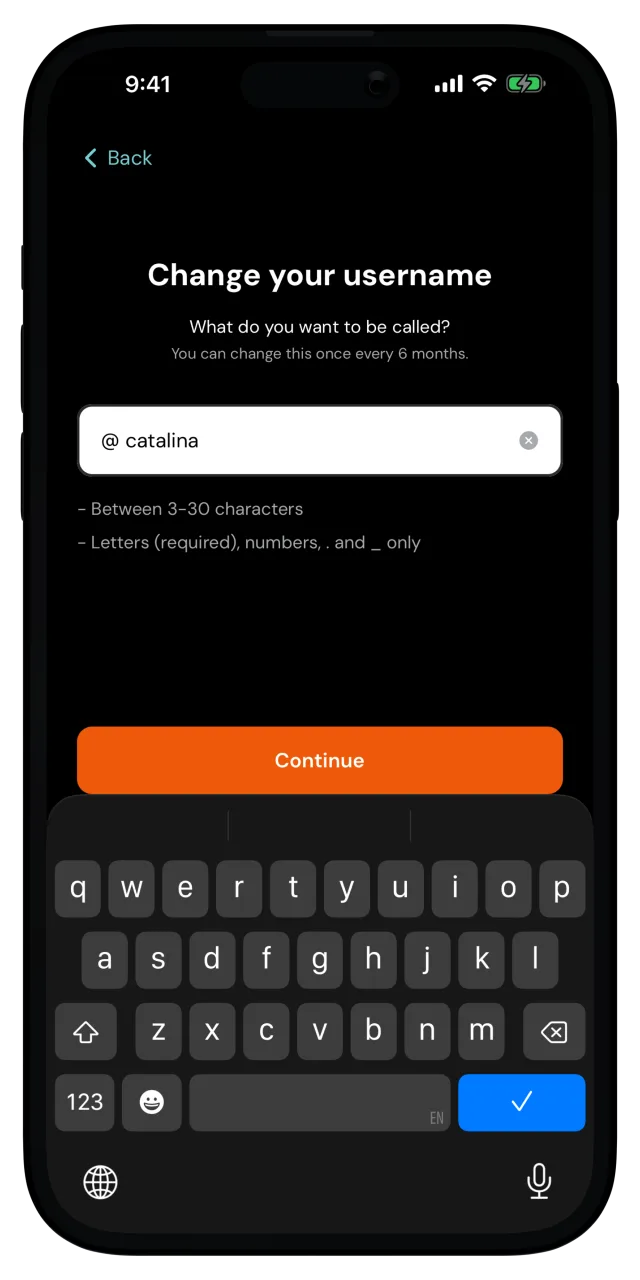
Tap Continue.
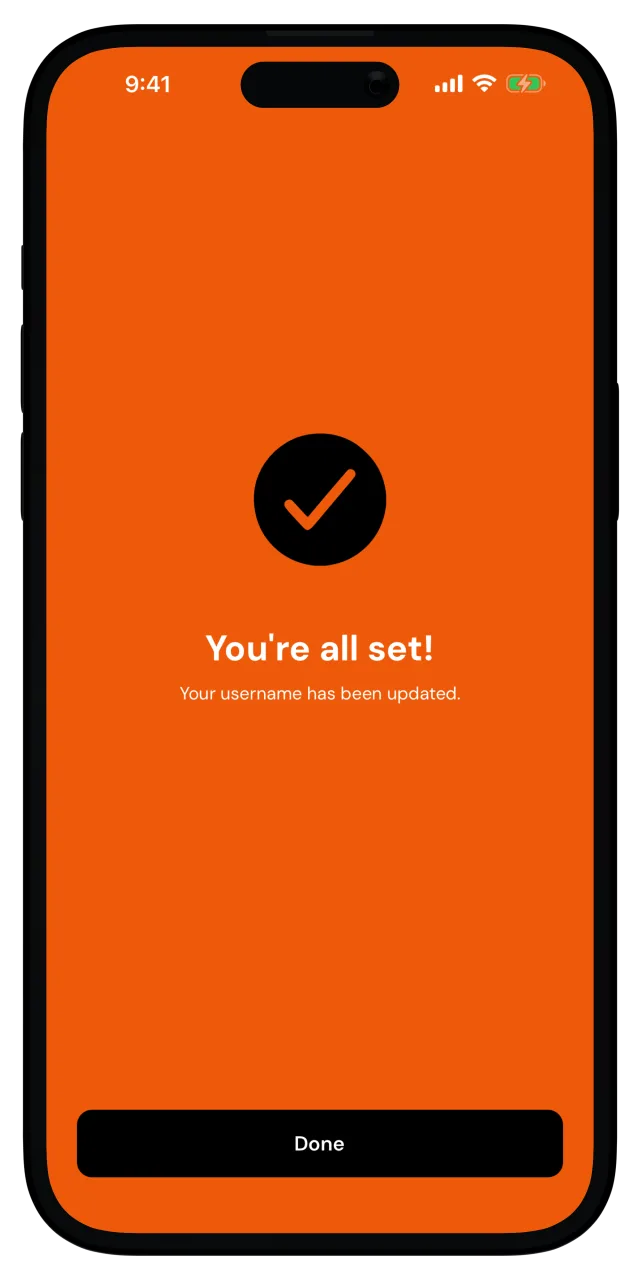
You're all set
Your username has been updated. Tap Done and you're back in Settings, with your new username at the top.
That's it. From now on, money sent to your new username lands in your wallet, and sending to a username works just like before.