

Send to a username
Pay any MozaikPay user by their username, almost instantly and for free.
A username is all you need to pay another MozaikPay user. Transfers between users are almost instant and free, wherever they are.
Enter the amount
Open the Transfer tab and type in how much you want to send. You can enter it in digital dollars or in your reference currency. Tap Send.
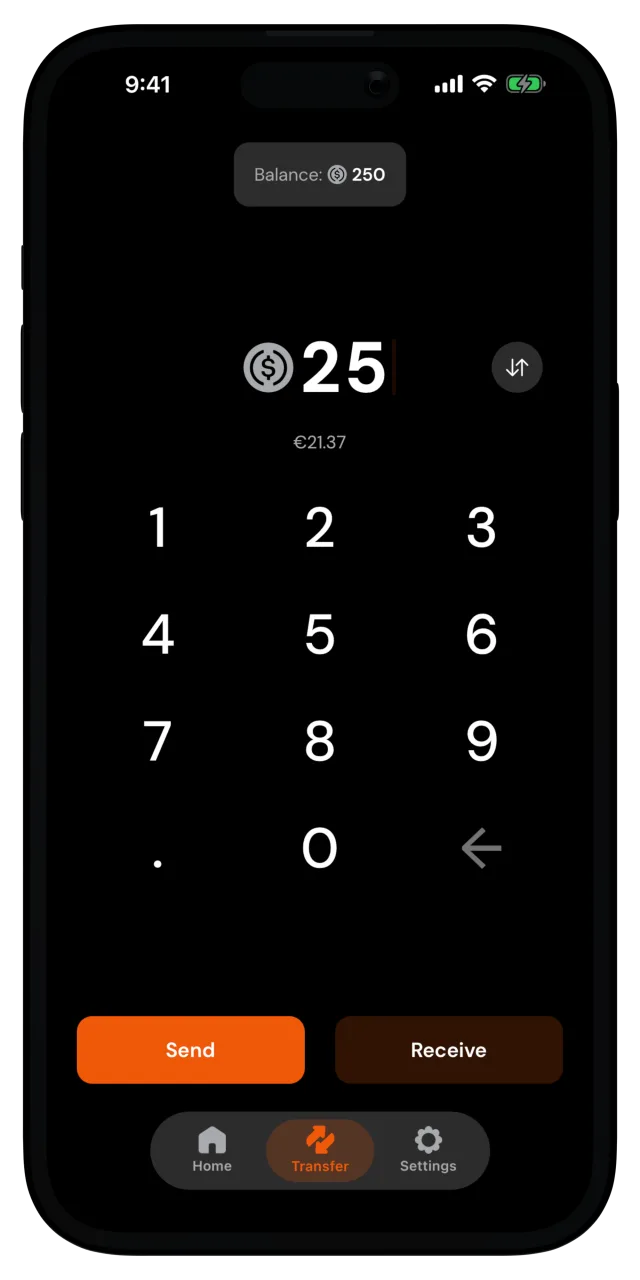
Choose the recipient
Search for their username, or pick them from Recent if you've sent to them before.
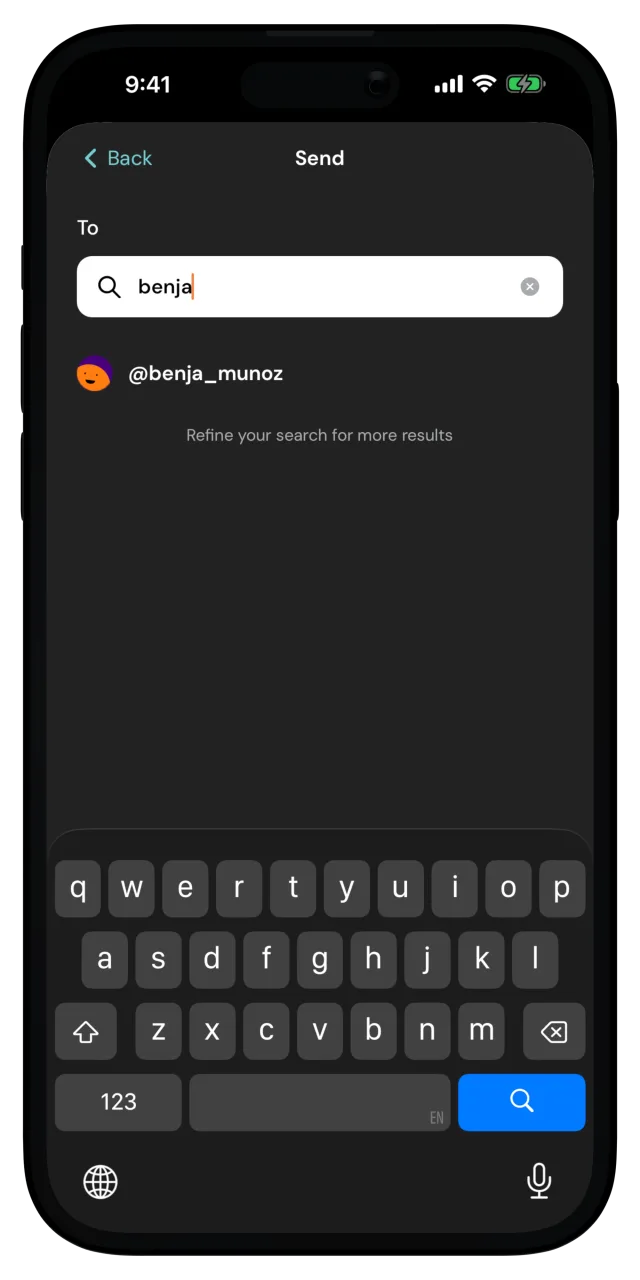
If no results come up, double-check the spelling with the other person. Usernames are exact.
Don't know their username? Send them a paylink instead.
Add a note
You can say what the transfer is for, or send the transfer without a note. The note travels with the payment, so the recipient sees it too.
Confirm and send
The Confirm Payment screen shows the amount, the recipient, and your note. Make sure the username is the right one, then tap Confirm and confirm it's you if the app asks.
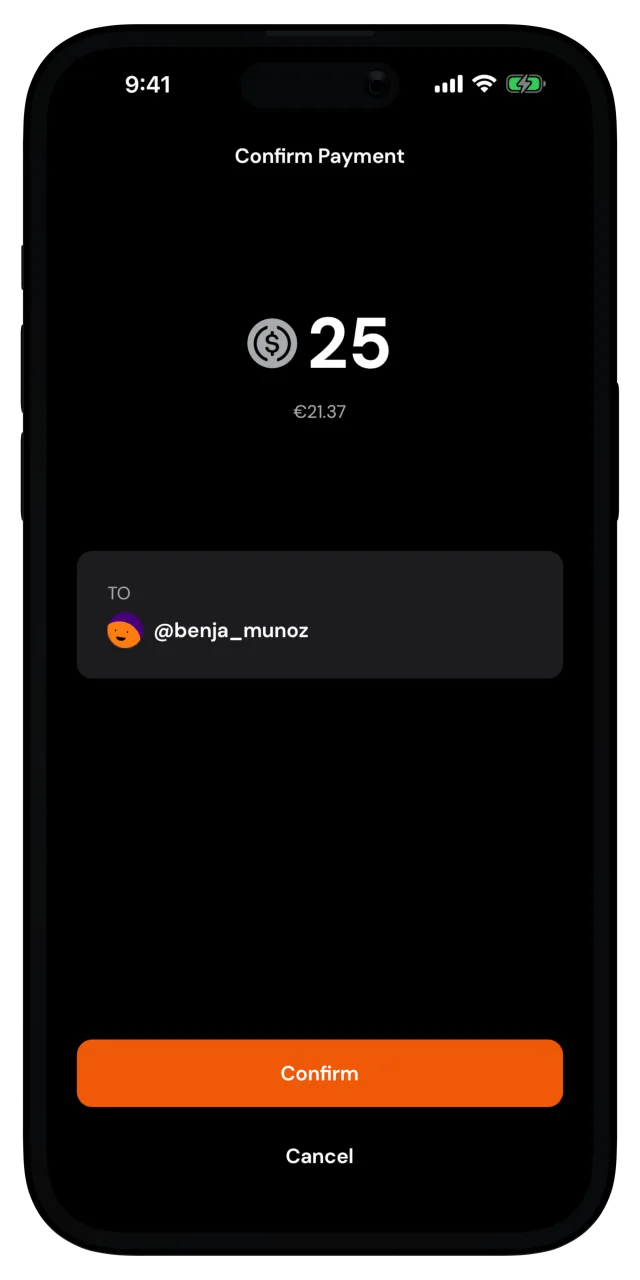
Successfully sent! The money lands in their wallet in seconds, and the payment shows up in your recent activity on the home screen.
Payments can't be reversed
Your wallet is self-custodial, so nobody, not even us, can pull a payment back. Make sure to double check the payment details before you confirm the transfer.