

Send your first payment
Send digital dollars to a username, instantly and for free.
In this tutorial you'll send your first digital dollars to another MozaikPay user. Transfers between users are instant and free, whether they're next door or on another continent.
All you need is some digital dollars in your wallet and a friend on MozaikPay to send to. Any amount works.
Enter the amount
Open the Transfer tab and type in how much you want to send. You can enter it in digital dollars or in your local currency.
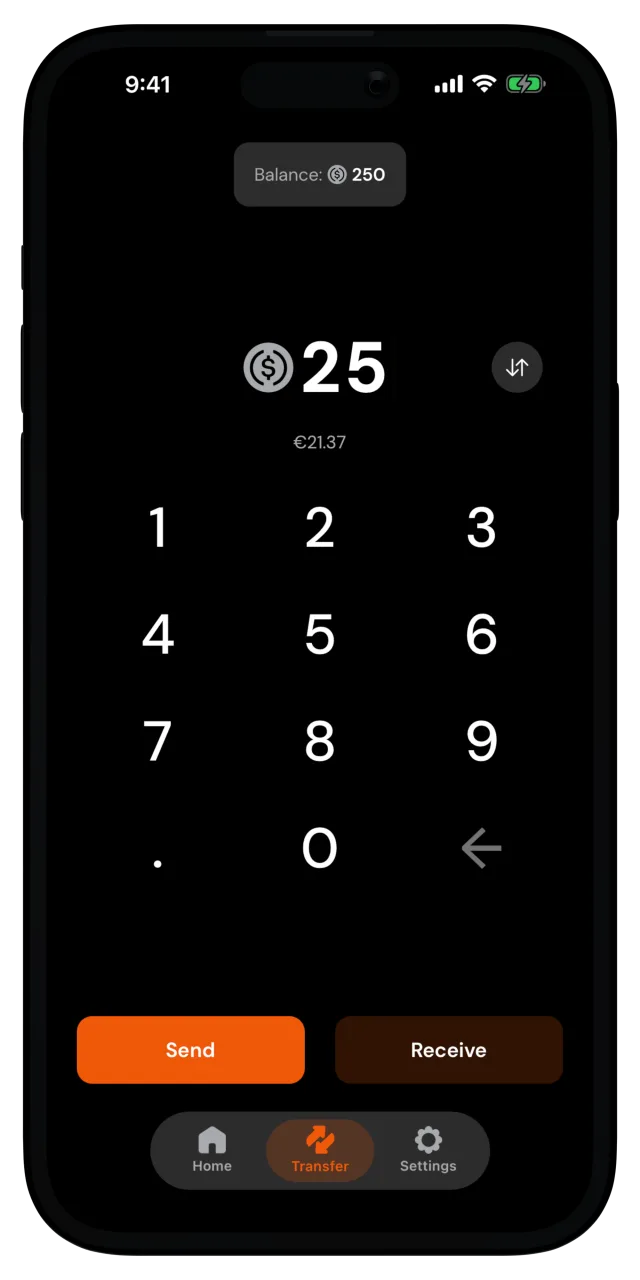
Tap Send.
Choose who gets it
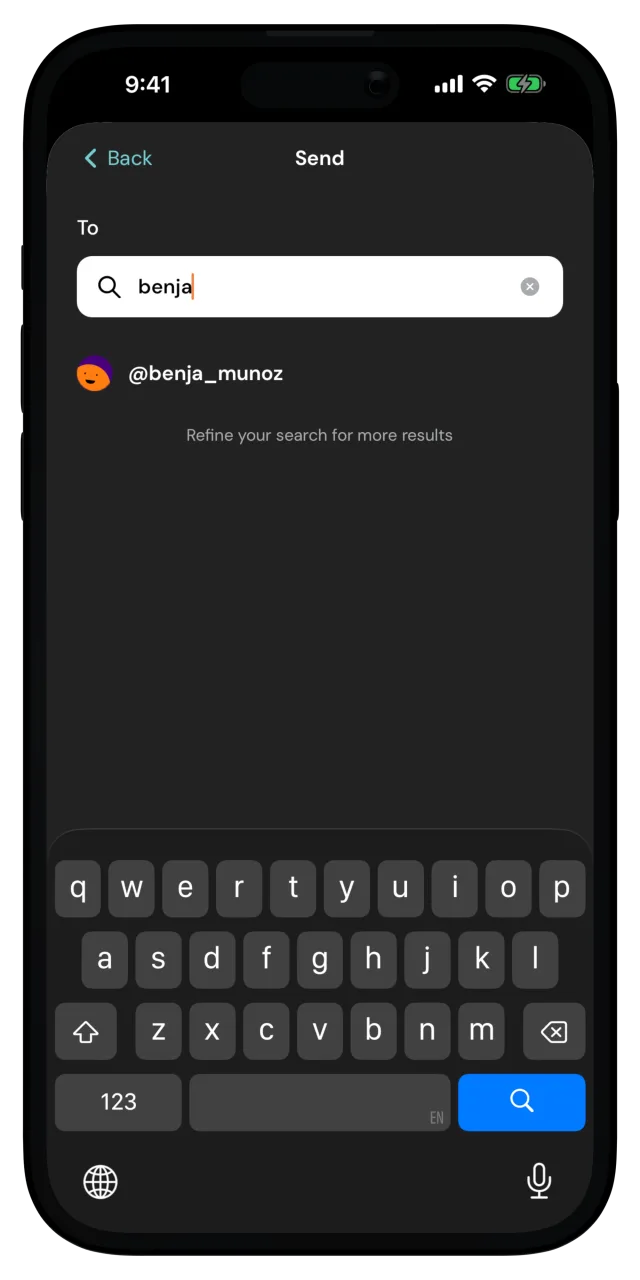
Search for your friend's username and pick them from the results. You can add a note if you want to say what the money is for.
Confirm and send
The Confirm Payment screen shows the amount, the recipient, and your note. Tap Confirm.
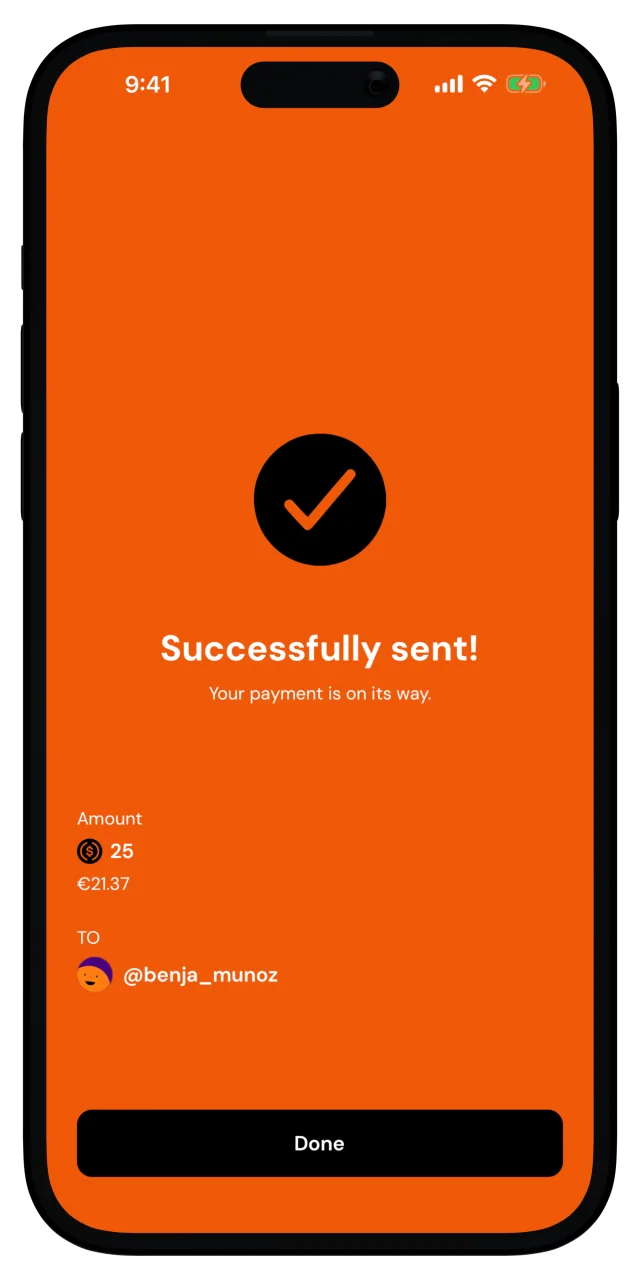
That's it. Successfully sent! The money lands in your friend's wallet in seconds, and the payment shows up in your recent activity.
What you just did
You sent your first payment, instantly and for free.
Want to pay someone who isn't on MozaikPay yet? You can Create a payment link that anyone can claim. Also, when someone owes you, you can request a payment.