

Set up your account
Install the app, pick your username, and secure your wallet with a recovery key.
In this tutorial you'll install MozaikPay, create your account, and secure your wallet with a recovery key backup. By the end you have a working wallet, ready to receive digital dollars. It takes about five minutes.
All you need is an iPhone or Android phone.
Install the app
Search for MozaikPay in the App Store (iPhone) or Google Play (Android) and install it.


Create your account
Open the app, swipe through the intro, and tap Get Started.
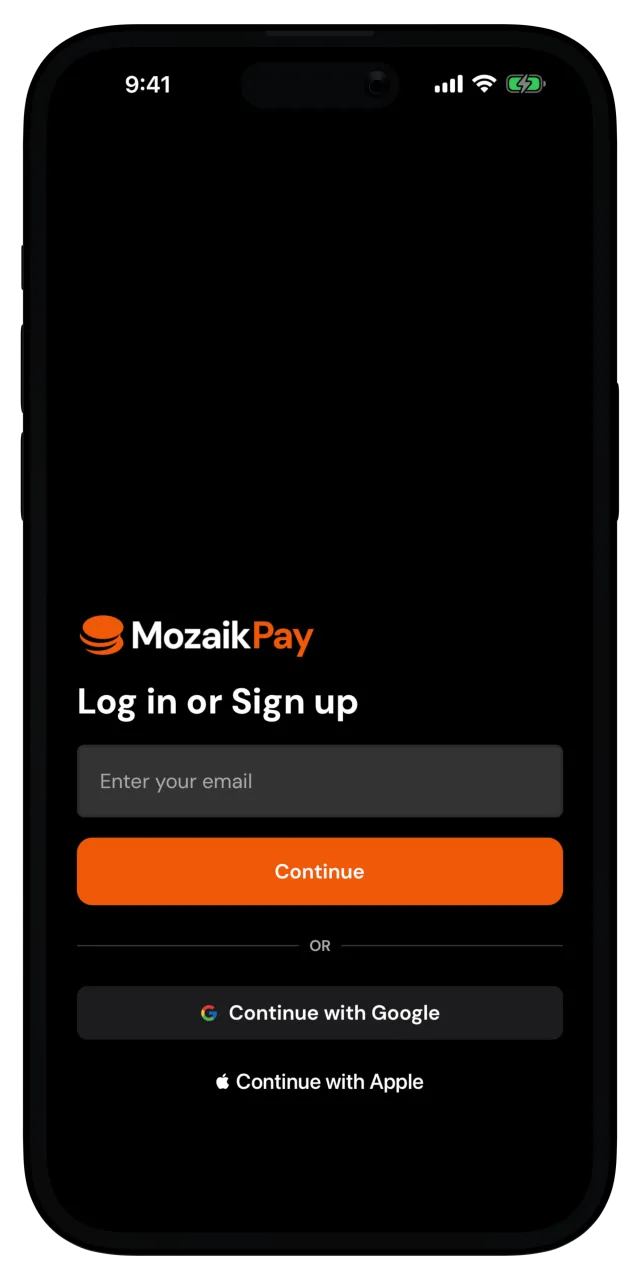
The quickest way to sign up is to Continue with Google or Continue with Apple. One tap and you're signed in with that account.
You can also enter your email and tap Continue. We send a verification code to your inbox, and you enter it on the Check your inbox screen.
Pick your username
Your username is how people send you money, no account numbers needed. Don't overthink it, you can change it later.
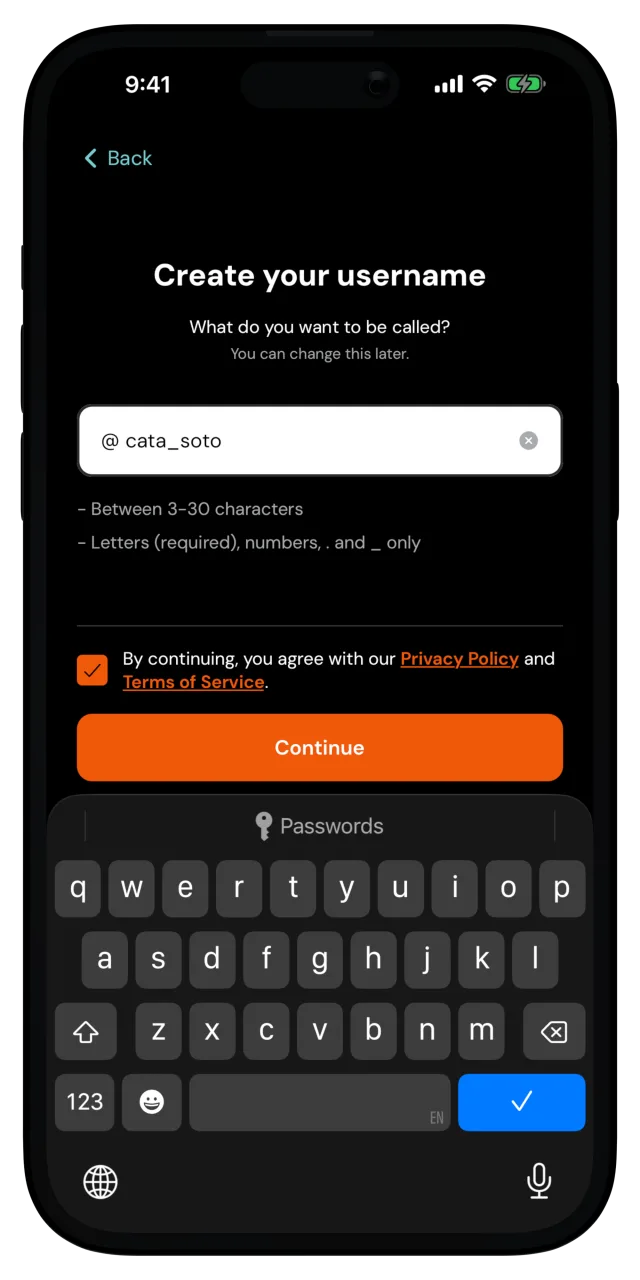
Agree to the Privacy Policy and Terms of Service, then tap Continue.
Create your PIN
Enter a 6-digit PIN, then enter it again to confirm. Your PIN unlocks the app, so keep it to yourself.
You can allow biometrics when your phone asks, for easier authentication. Next time you can unlock MozaikPay with your face or fingerprint instead of typing the PIN.
Back up your recovery key
Your recovery key is what gets your wallet back if you ever lose your phone. MozaikPay never has a copy, so this backup is yours alone.
On the Secure your account screen, you can choose where your encrypted backup lives. The simplest home for it is your own cloud, iCloud (iPhone) or Google Drive (Android). If you lose your phone, you sign in to the same cloud account on a new device and your wallet comes back. Email backup sends the encrypted file to your inbox instead, and Manual backup, under Advanced options, hands you the file to store wherever you want.
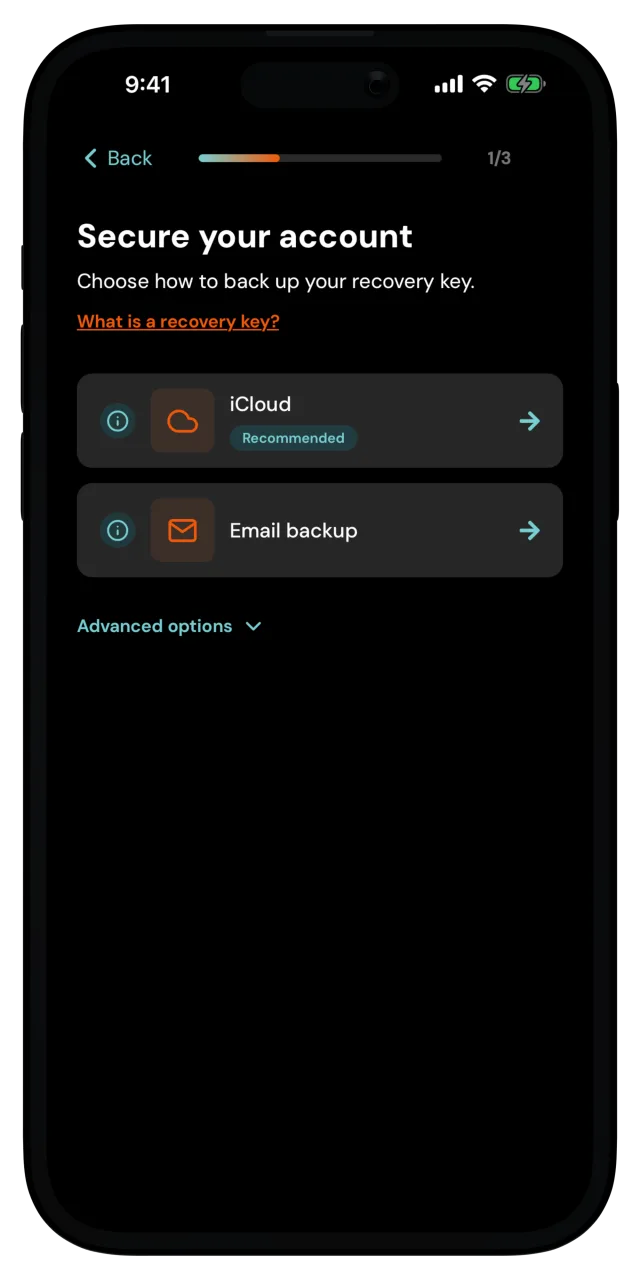
For this tutorial, choose iCloud or Google Drive. Then create a recovery password and enter it again to confirm. This password encrypts your backup, and only you know it. You'll need it if you ever restore your wallet on a new device.
Your recovery password is not stored anywhere
Not by MozaikPay, not in your cloud account. If you forget it, the backup can't restore your wallet. Write it down and keep it somewhere safe.
Curious how this protects you? See What happens if I lose my phone?
You're all set
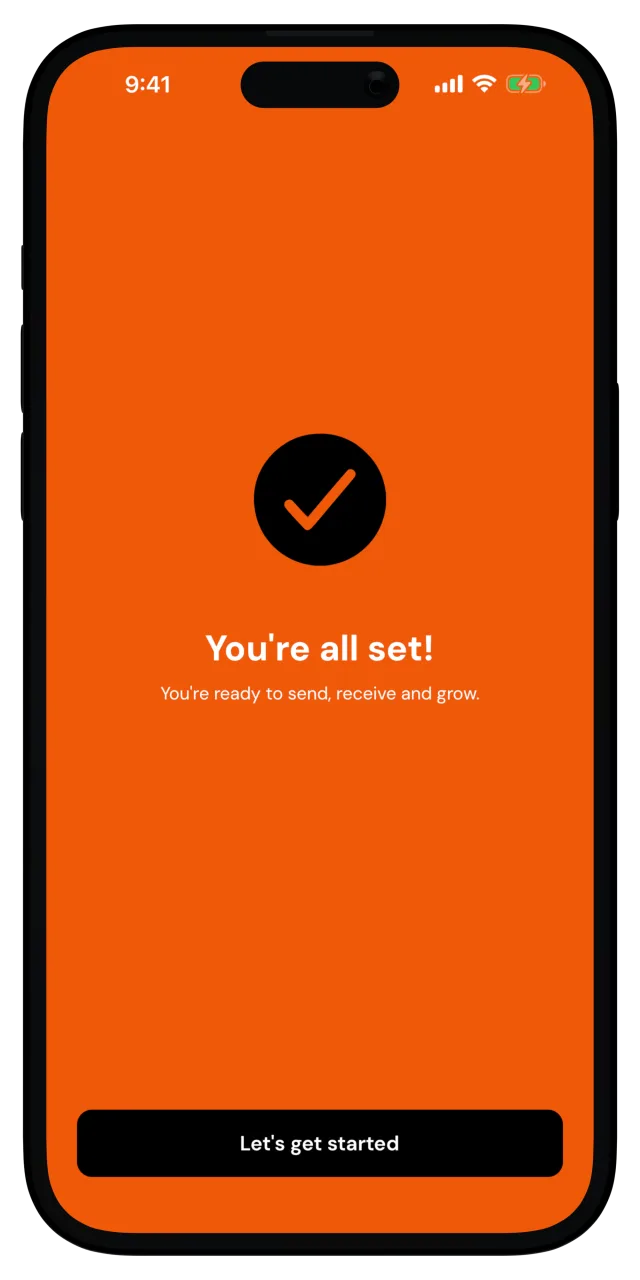
The app sets up your wallet and shows the welcome screen. Tap Let's get started and you land on your home screen.
What you just did
You created a MozaikPay account with a username people can pay, protected the app with a PIN/biometrics, and backed up your recovery key so a lost phone is not a lost balance. Your wallet is ready. Time to put some digital dollars in it, and Deposit money into your wallet.