

Create & share a payment link
Send money as a link that anyone can claim, without knowing their username.
A payment link lets you send money without knowing who's on the other end. You set the amount, the app sets it aside from your balance, and whoever opens the link claims it into their wallet. It's the way to pay someone whose username you don't know, or someone who isn't on MozaikPay yet, they can install the app and claim before the link expires.
Share the link carefully
Anyone who has the link can claim the money. Share it only with the person it's for, over a channel you trust, such as a direct WhatsApp message or email.
Enter the amount
Open the Transfer tab and type in how much you want to send. You can enter it in digital dollars or in your reference currency. Tap Send.
Generate the link
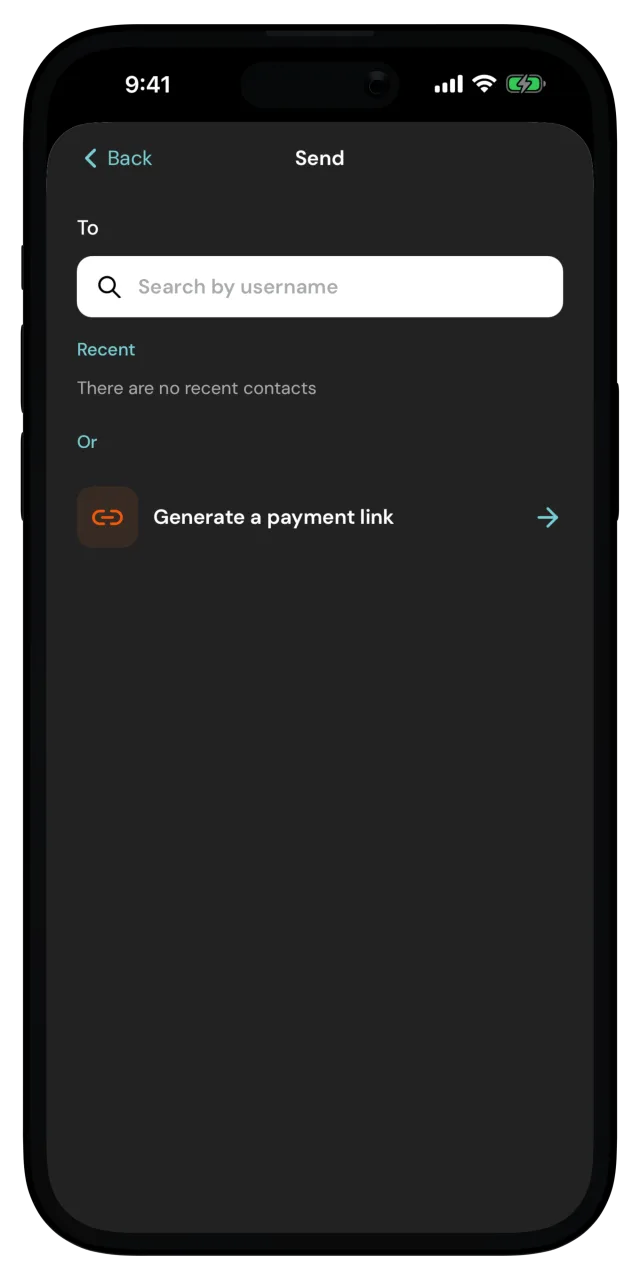
On the recipient screen, tap Generate a payment link, right below your recent contacts.
Add a note
You can tell them what the money is for, or create the link without a note. Whoever claims the link sees the note.
Pick an expiry
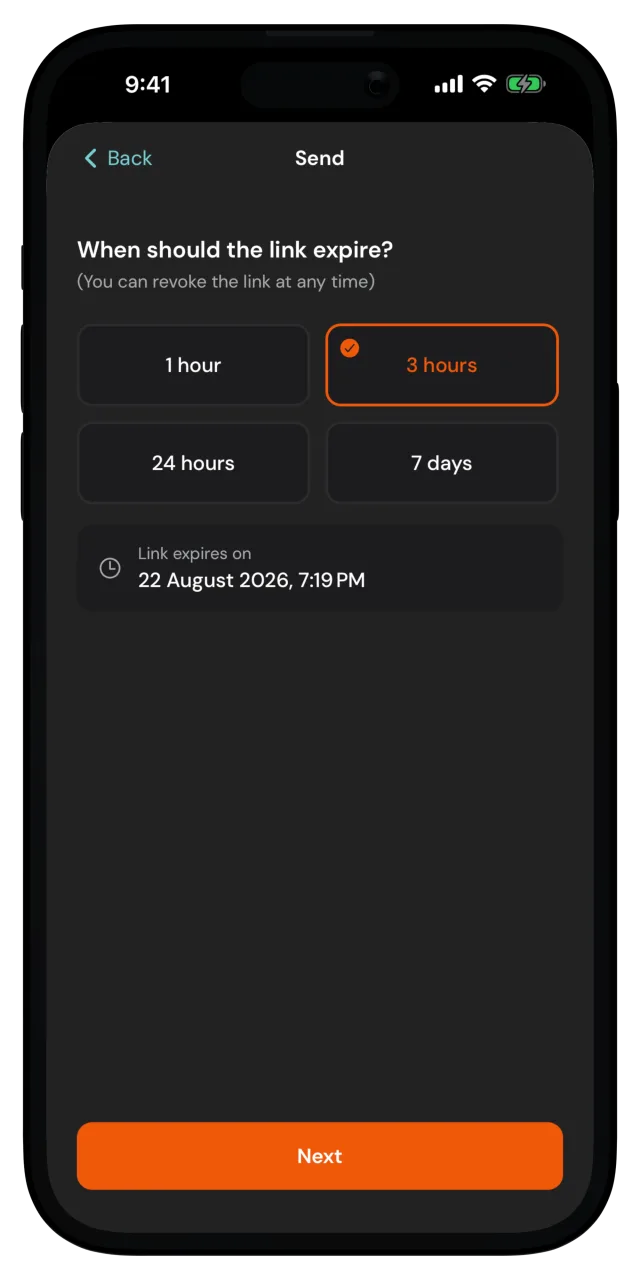
Choose how long the link stays claimable, from 1 hour to 7 days. The screen shows the exact date and time it stops working. Tap Next.
Don't overthink this one. You can revoke the link at any time, and the money comes back to your wallet if nobody claims it.
Review and confirm
The Review payment link screen shows the amount, your note, and the expiry. Tap Confirm and confirm it's you if the app asks.
The amount is set aside from your balance while the link waits to be claimed, so you can't accidentally spend money you've already promised.
Share the link
The Payment link screen shows your link as a QR code. Tap Share link and send it to the recipient through any app you like, or have them scan the QR code in person.
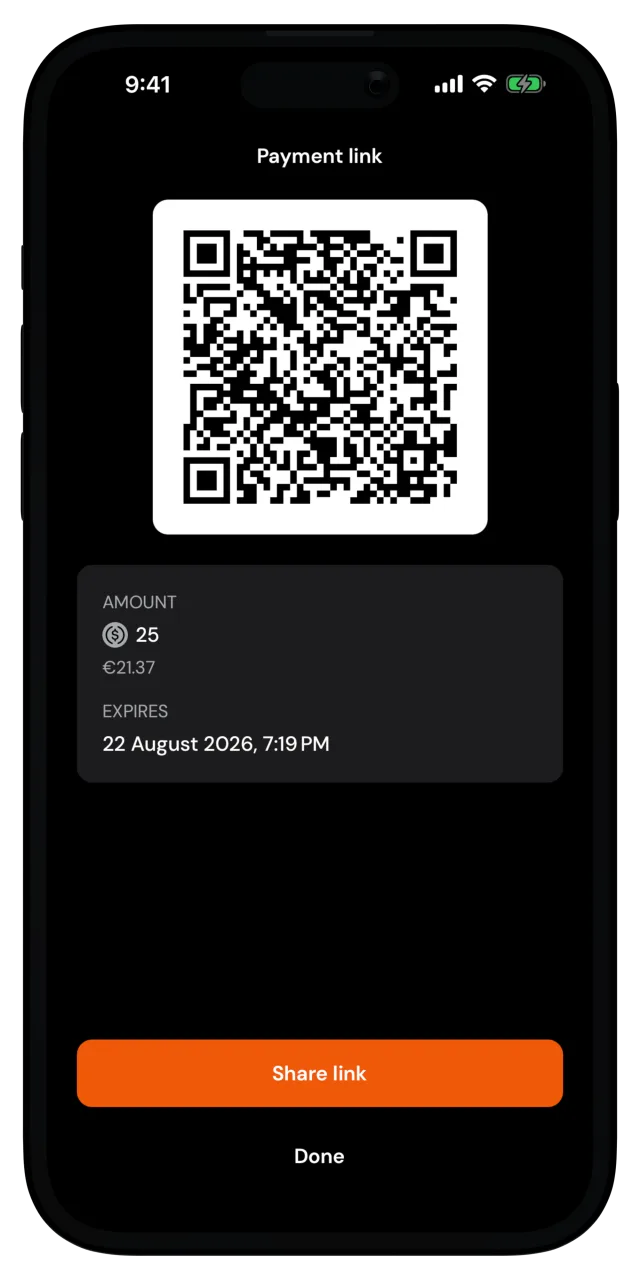
Share it before you tap Done. For security, the link is shown only on this screen. If you leave without sharing, the funds aren't lost, but you'll need to revoke the link and create a new one.
You can always follow the status of the paylink in your recent activity. From there, you can also revoke it before it expires.
Getting the funds back
Changed your mind, or nobody claimed the link?
- While the link is active, open it in your recent activity and tap Revoke payment link. The link stops working and the funds return to your wallet.
- Once the link expires, the funds are automatically moved back to your wallet.