

GuidesAccount & security
Change your PIN
Set a new 6-digit PIN in a minute.
Your PIN unlocks the app and confirms sensitive changes, so it should stay yours alone. If you think someone else knows it, change it right away.
Open your PIN settings
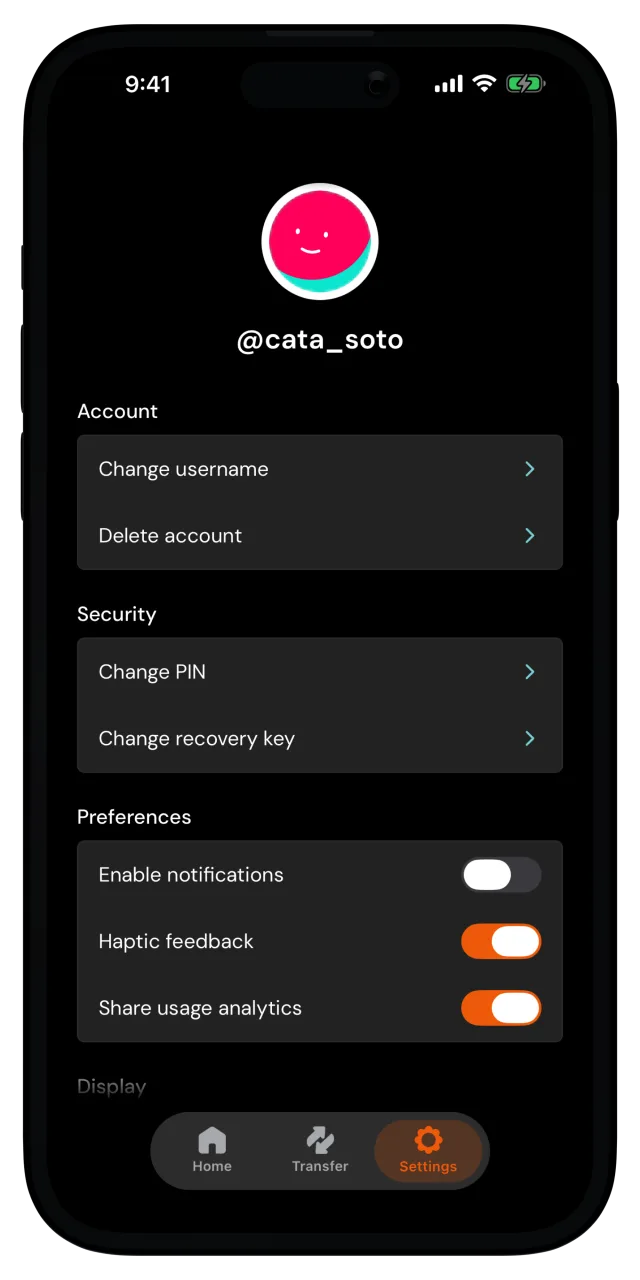
Go to the Settings tab. Under Security, tap Change PIN, then enter your current PIN to confirm it's you.
Create your new PIN
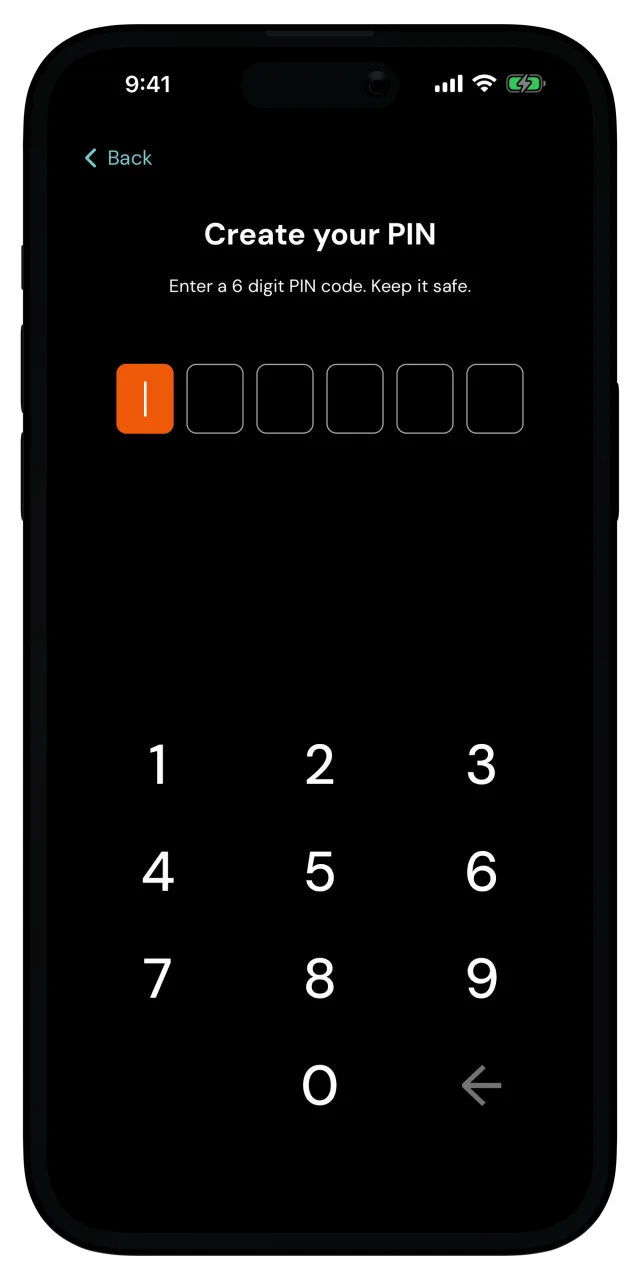
Enter a new 6-digit PIN on the Create your PIN screen, then enter it again on Repeat your PIN to confirm. If the two don't match, the app asks you to try again.
You're all set
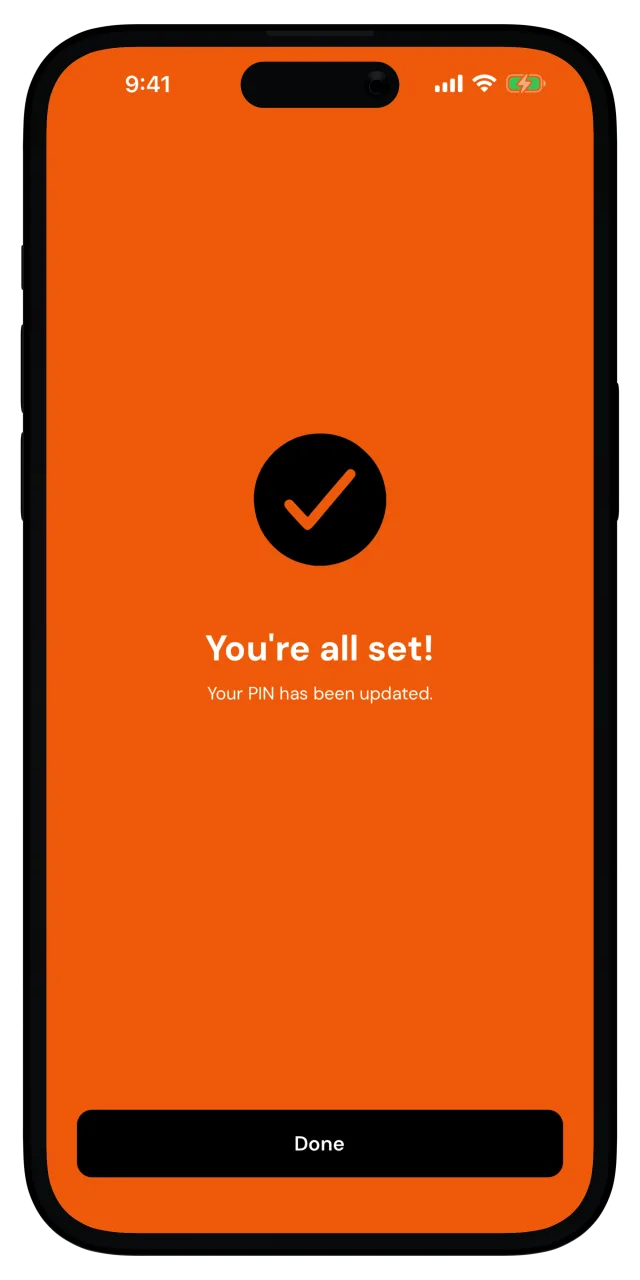
Your PIN has been updated. Tap Done and you're back in Settings. From now on, the app unlocks with the new PIN.
Biometrics keep working
Changing your PIN doesn't affect unlocking with your face or fingerprint. You can turn biometrics on or off anytime in Settings, under Security.