

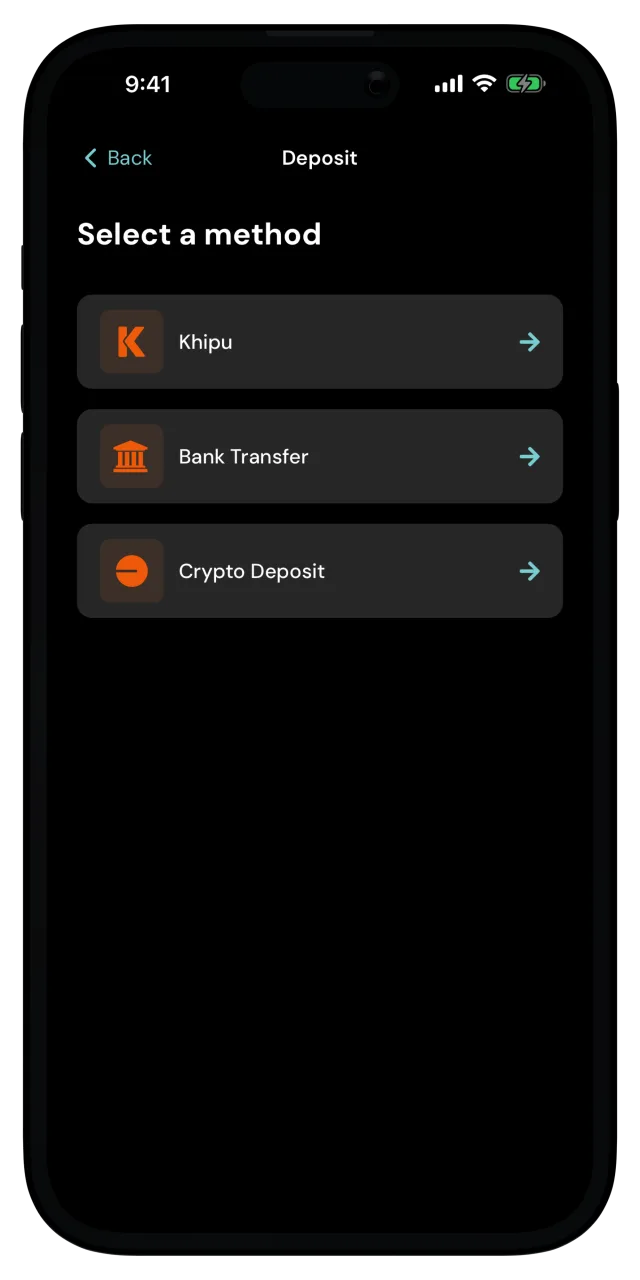
Add money by bank transfer
Deposit by transferring Argentine pesos yourself, from your own bank app.
With a bank transfer you make the payment yourself. MozaikPay's partner gives you the account details, you send the pesos from your bank, and the digital dollars land once the payment is confirmed. It's the option to reach for when you'd rather not sign in through Khipu.
Identity verification required
Local payment methods run through licensed partners, so you need a verified identity before you can use them.
Enter the amount
Type how much you want to deposit. You can enter it in digital dollars or in Argentine pesos, and the app converts as you type. Tap Next.
When you type in pesos, that's the total you'll pay, fees included. The app shows the digital dollars you'll get for it right below.
If the amount is outside what the partner accepts, the app tells you the minimum or maximum right there, so adjust it and carry on.
Check the quote
The Confirm deposit screen shows what you pay in pesos, the fee included in that amount, and the exchange rate for digital dollars.
A quote is only good for a short window, so the button counts down. If it runs out, the app fetches a fresh quote and you can confirm again. Tap Confirm.
Make the transfer from your bank
The app now shows the payment details, with the exact amount in pesos at the top. Below it are the recipient's name and document number, the bank, the account type, the account number, and an email address that your bank may ask for.
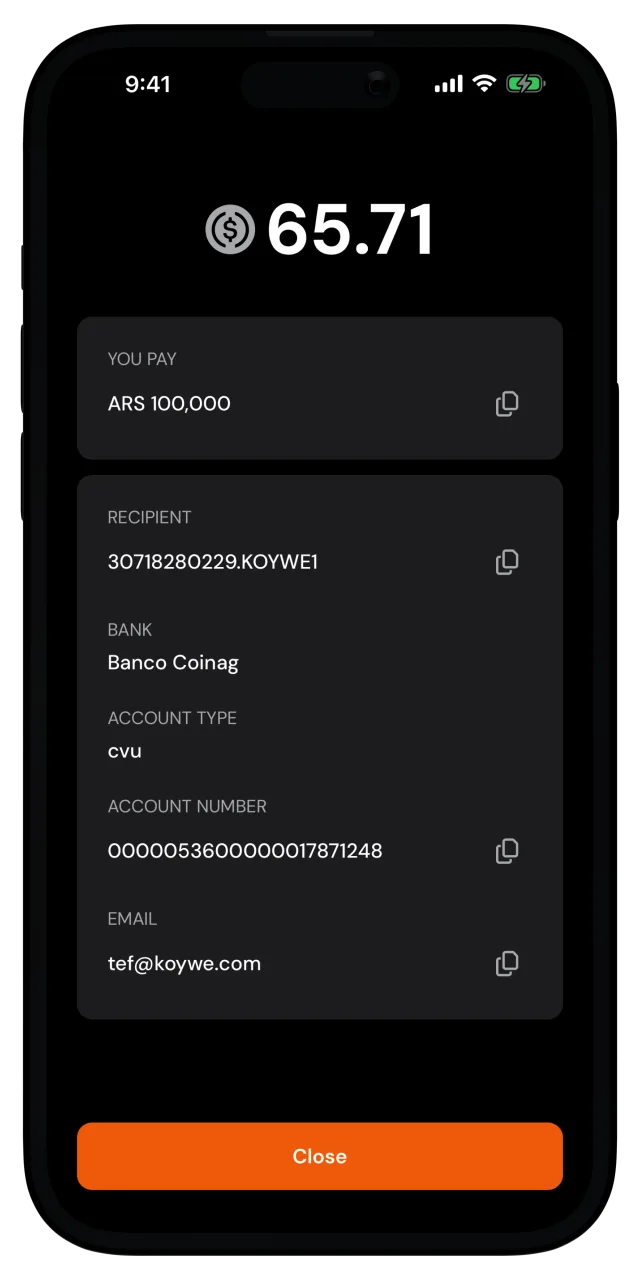
Every field you need has a copy button next to it, so you can paste each one into your bank app without typos. Make sure to send the exact amount shown.
Once the partner confirms your payment, the digital dollars will appear in your wallet.
Need the account details again?
Open the deposit order in your recent activity and tap Payment details. The same account information is right there.