

Add money with Bancolombia
Deposit Colombian pesos straight from your Bancolombia account.
If you bank with Bancolombia, you can top up your wallet straight from your account. The digital dollars land in your wallet once the payment goes through.
Identity verification required
Local payment methods run through licensed partners, so you need a verified identity before you can use them.
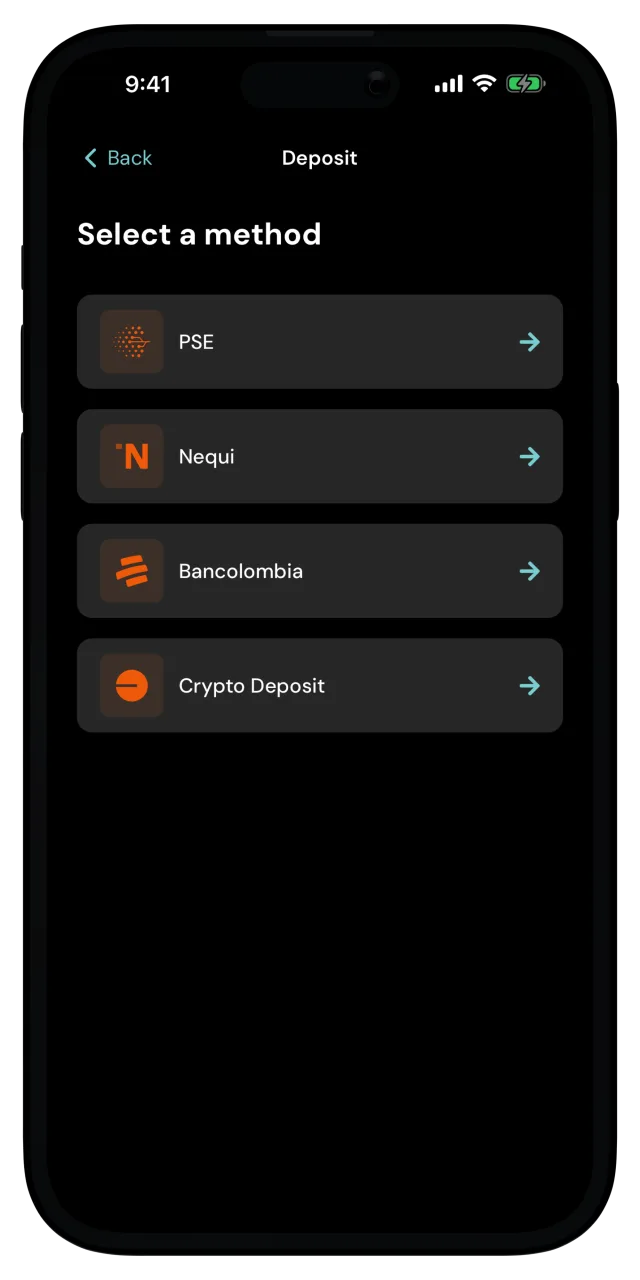
Enter the amount
Type how much you want to deposit. You can enter it in digital dollars or in Colombian pesos, and the app converts as you type. Tap Next.
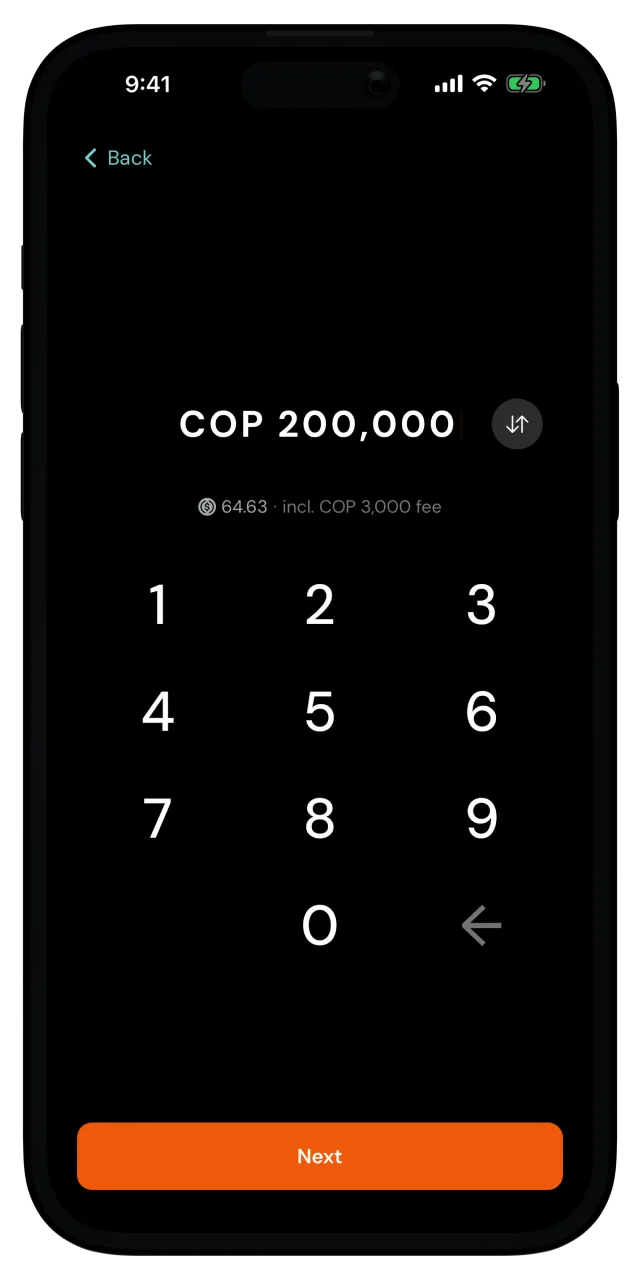
When you type in pesos, that's the total you'll pay, fees included. The app shows the digital dollars you'll get for it right below.
If the amount is outside what the partner accepts, the app tells you the minimum or maximum right there, so adjust it and carry on.
Check the quote
The Confirm deposit screen shows what you pay in pesos, the fee included in that amount, and the exchange rate for digital dollars.
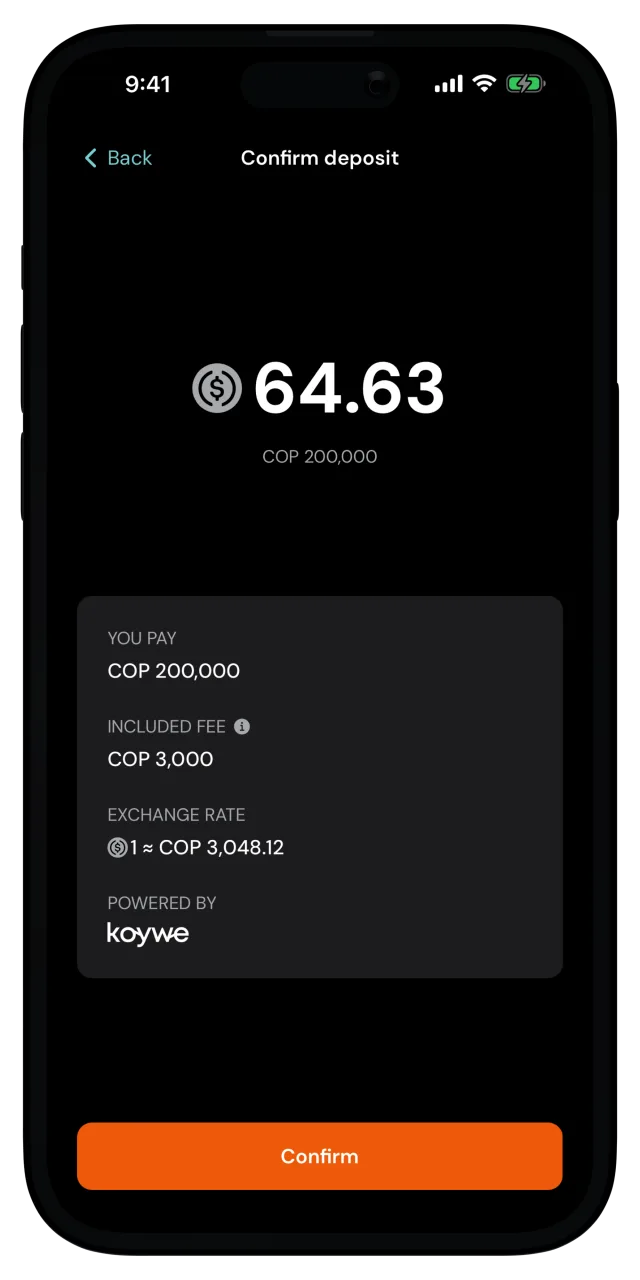
A quote is only good for a short window, so the button counts down. If it runs out, the app fetches a fresh quote and you can confirm again. Tap Confirm.
Pay from your Bancolombia account
The Bancolombia payment flow opens up in a window. Follow the steps to sign in and authorize the payment.
You're done
Once the Bancolombia flow is completed, you will see a success message, and the deposit will show up shortly in your wallet and recent activity.
Closing the payment window early
Accidentally closing the Bancolombia window before you finish the flow doesn't cancel anything. You can continue the deposit by opening it from the activity view and tapping Continue payment.
Prefer another option? See Add money with PSE or Add money with Nequi.